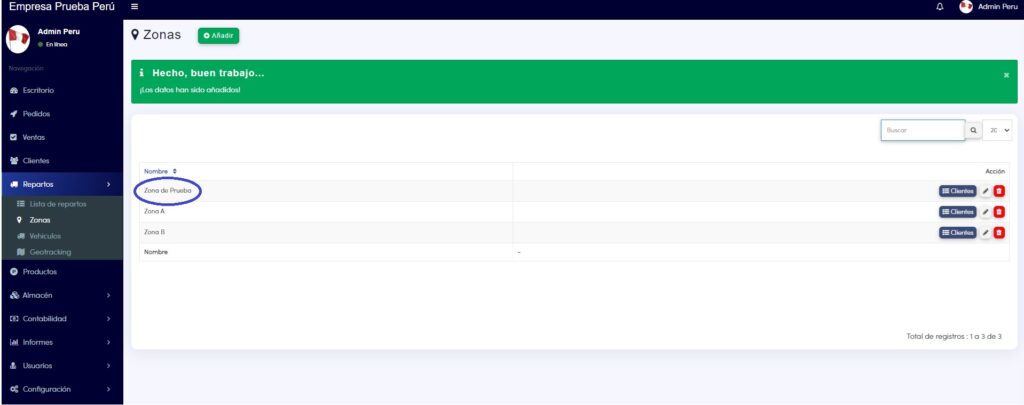
In this tutorial, you will learn how to configure Delivery Zones, which will help you group your customers.
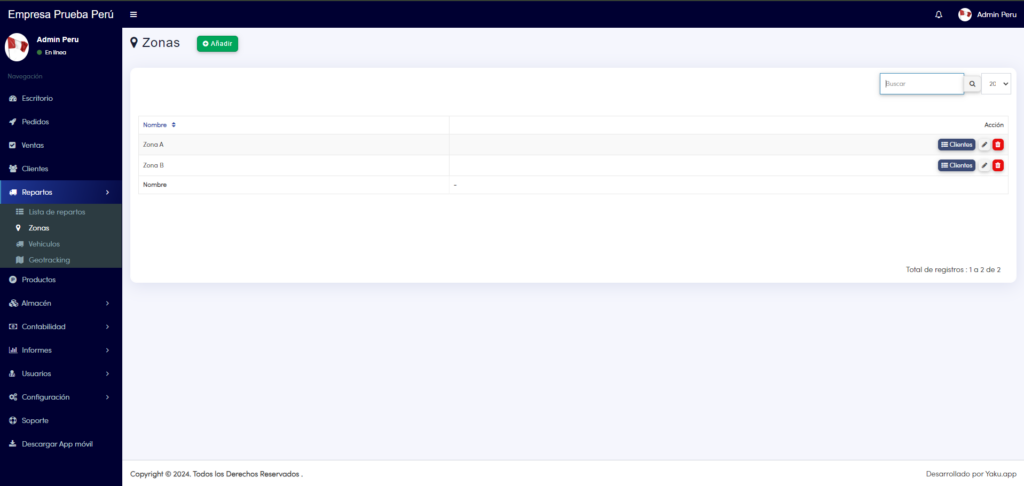
1. You should go to the Delivery > Zones module:
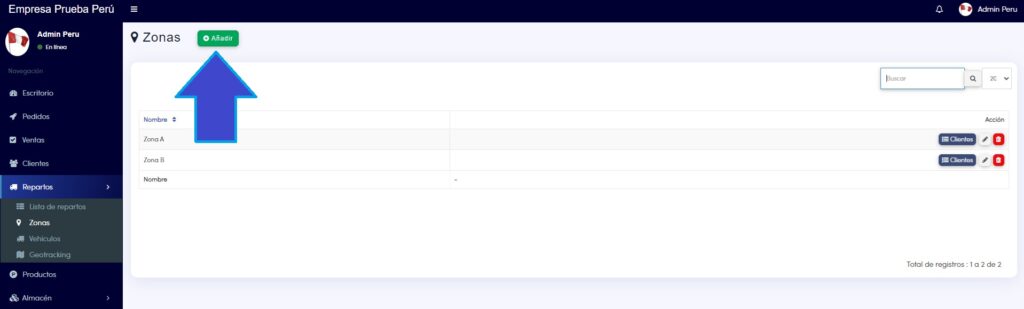
2. Next, you need to click on the Add button:
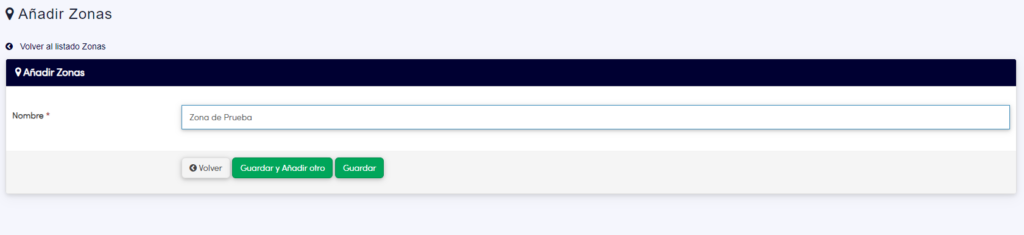
3. Enter the name of the zone of your preference and click on Save.
4. Done! Your zone has been created.