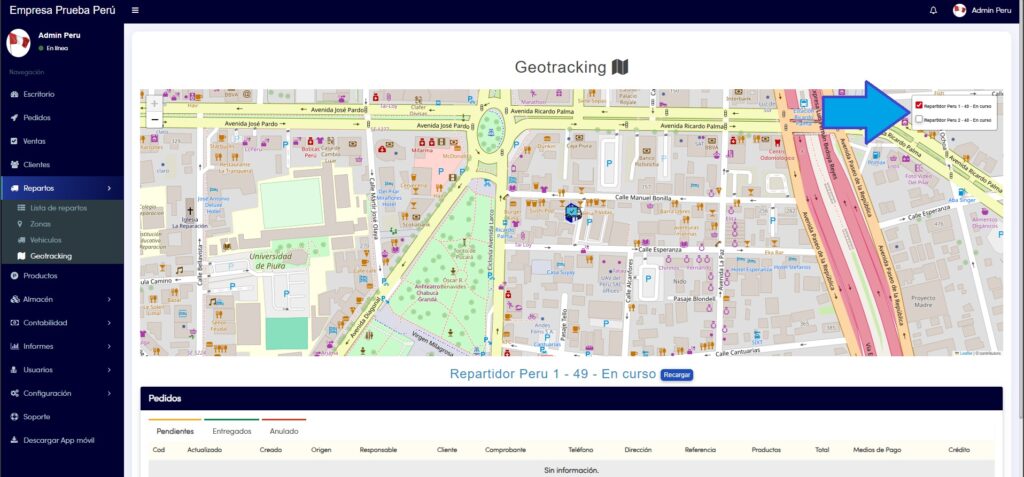
The Geotracking module is used to visualize on the map where the delivery drivers are when they go to deliver an order.
(As a prerequisite, we must have one or more active Deliveries)
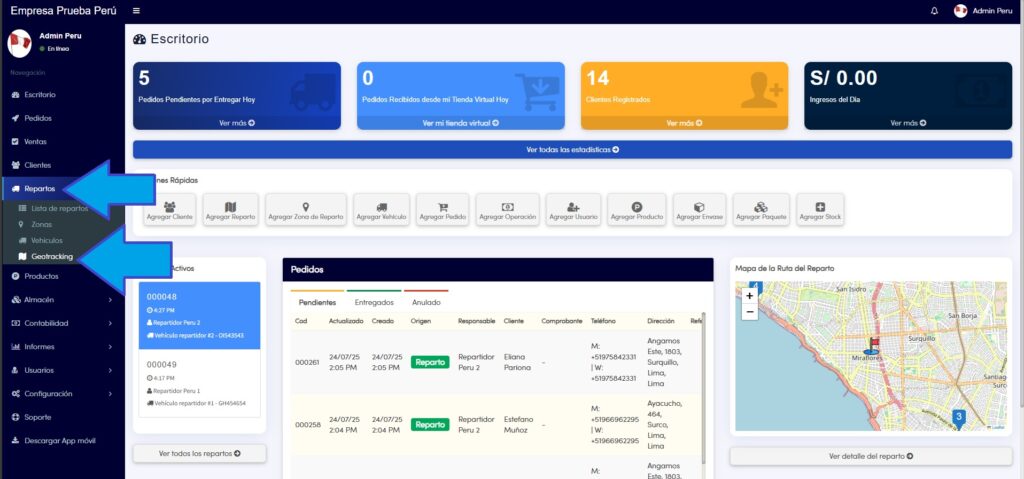
- To view the Geotracking module, you must go to the Deliveries section, located in the left sidebar of the main menu. The route is as follows: Dashboard>Deliveries>Geotracking
2. Once here, you can choose the Delivery Driver you want to see their location on the map, you just have to mark it in the upper right part of the map, the Delivery Driver must have the Yaku app installed on their cell phone and enable the location functions on their device.