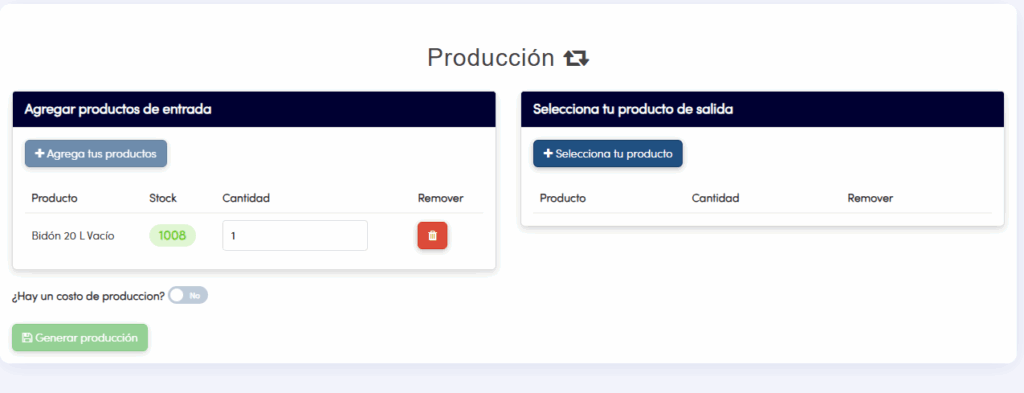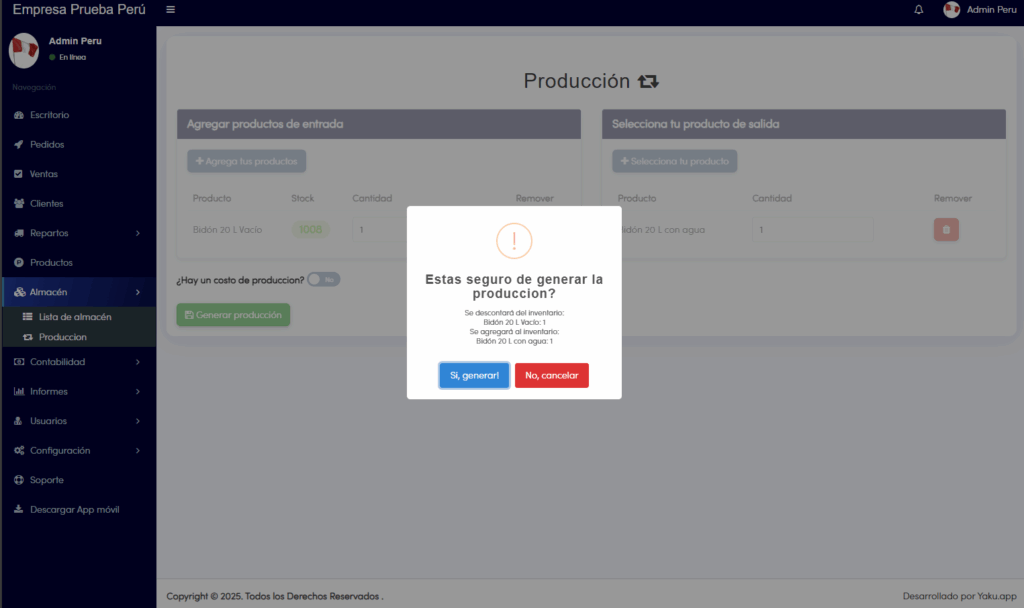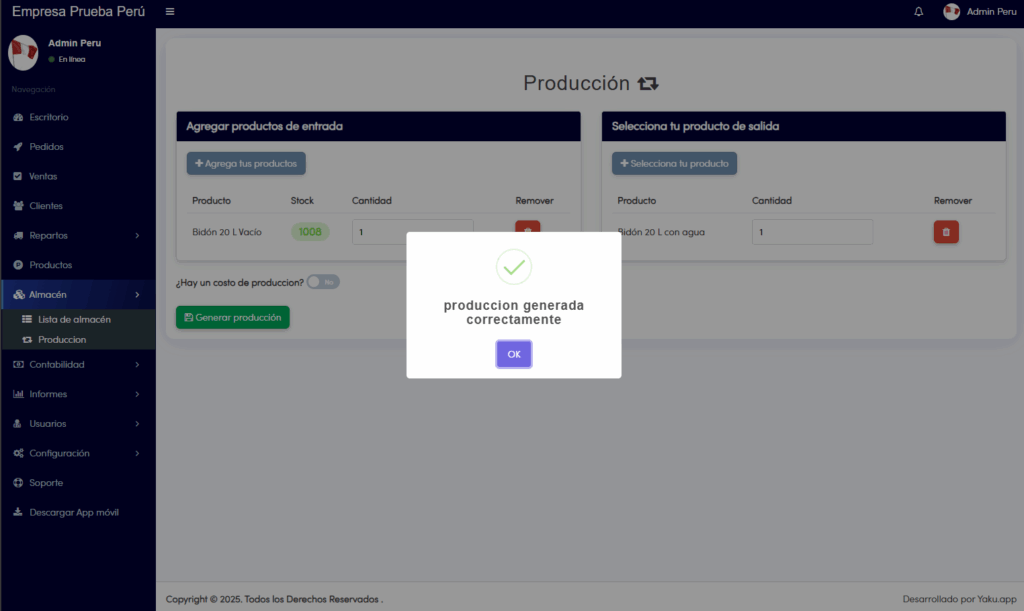
The production module is used to keep track of how many empty containers are used to produce full containers and makes a stock exchange: It reduces from your stock balance what entered the tunnel and increases the stock of what comes out of the production tunnel.
- To go to the Production Module we must follow the following path: Dashboard>Warehouse>Production. The following screen will be displayed:
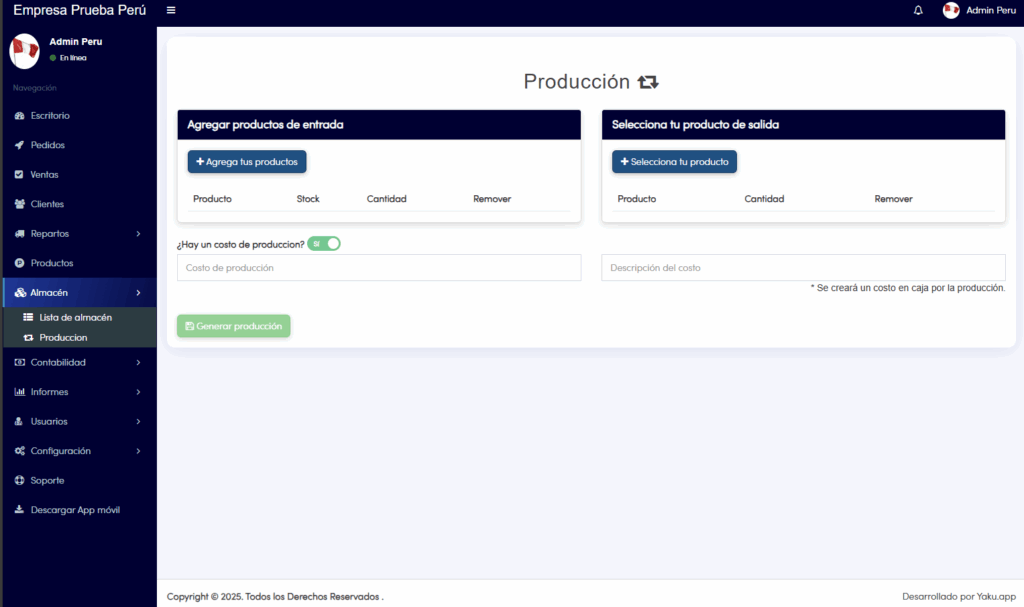
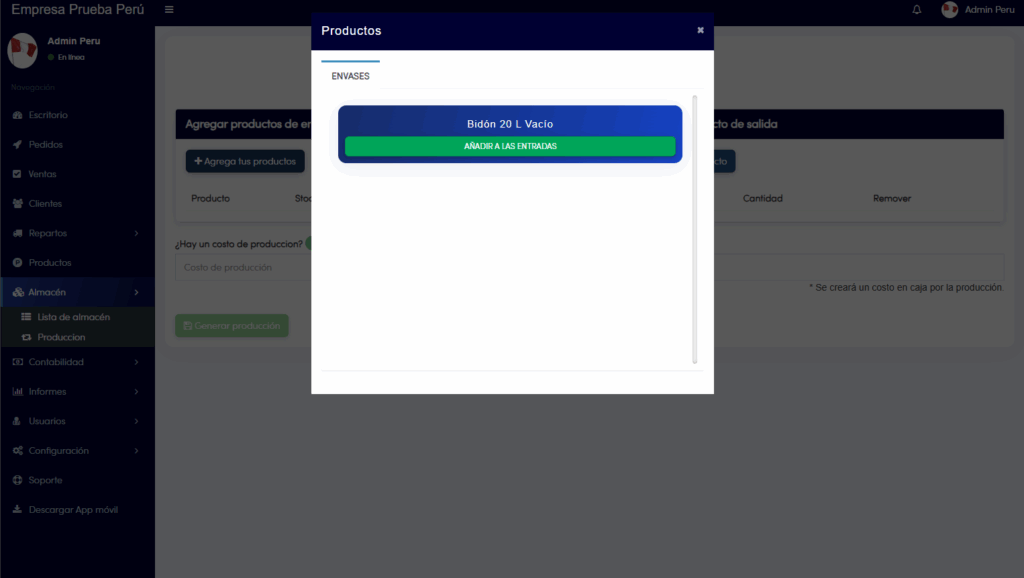
2. Next, we are going to add input products in the left column, which refer to the raw material of our products to offer, in this case they will be the empty containers that are a primary component of the final product. We must click on the “Add your products” button to see our list:
3. In this window we can modify the quantity of input product that we will put in our initial column (there is also the possibility of registering a production cost, in case one is incurred, we can make the description of it). Now, in the right column we can select the final product that is generated with the amount of initial product that we have defined. Finally, we will click on “Generate production”