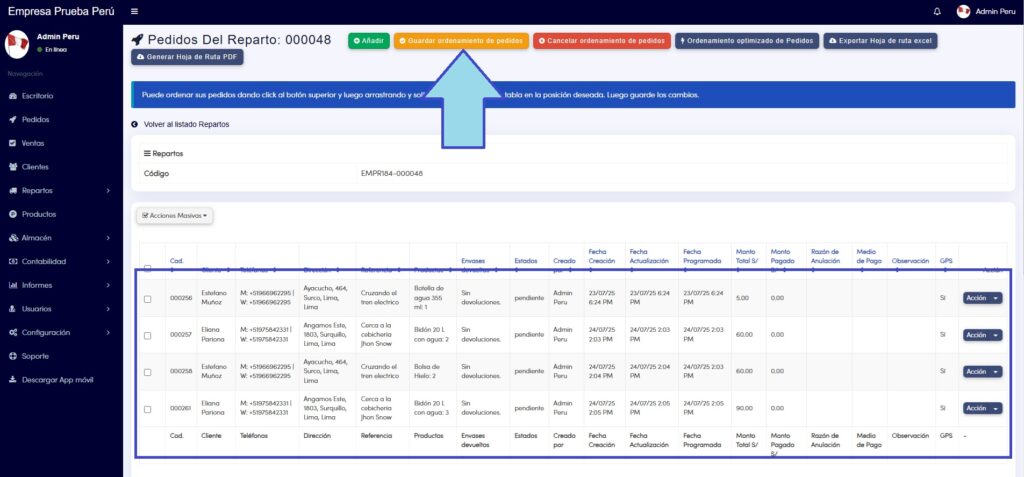
In this tutorial, you will learn how to sort your orders in the way that is most convenient for you.
(as a prerequisite, we must have an active Delivery and Orders assigned to said Delivery)
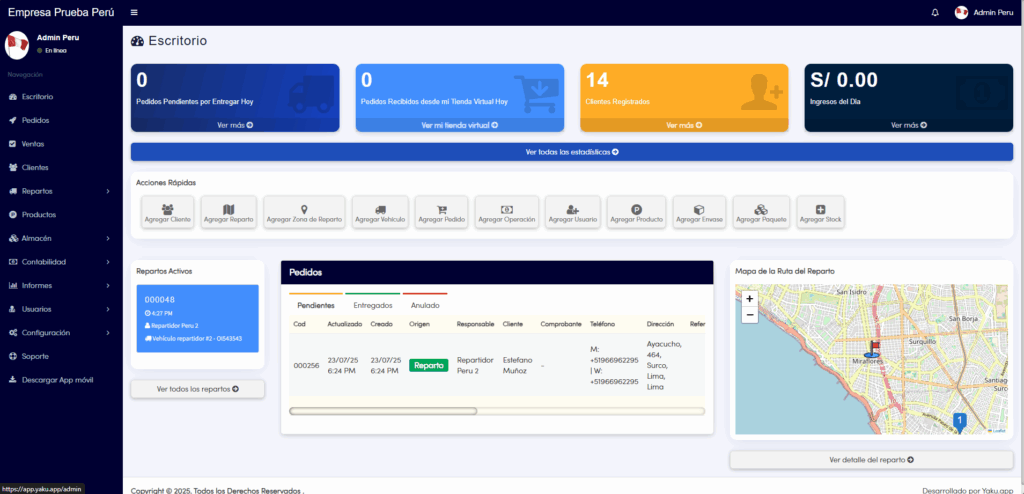
- In the Dashboard tab, we are going to locate the “Delivery Route Map” section, which is located in the lower right part, below is the “See delivery details” button, which we will click:
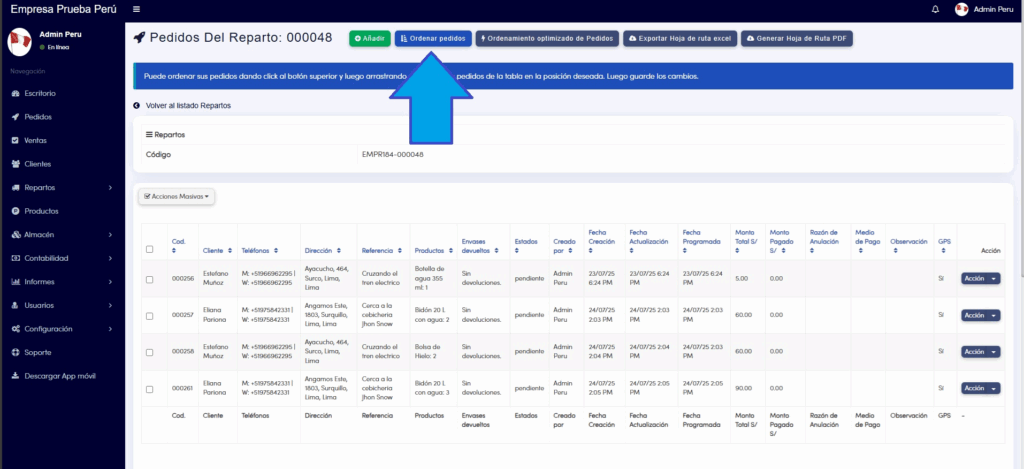
2. Now, in the next window, we are going to locate the “Sort orders” button that is located at the top of the screen, which we will click:
3. Once here, you can sort your orders by dragging and dropping them from the table into the position you want. Then, save the changes.